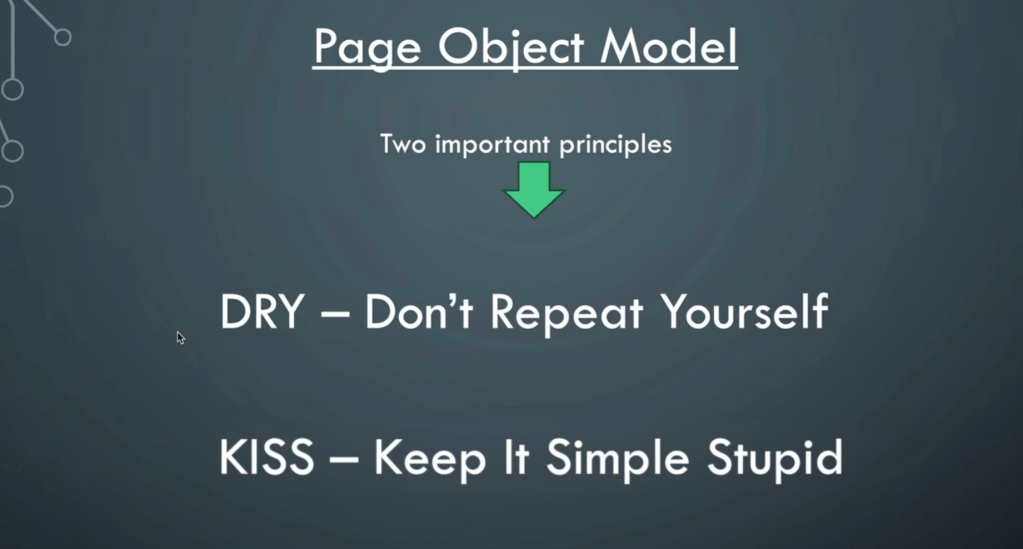
In the world of test automation, efficient organization and maintainability of test code are critical to a project’s success. Among various design patterns and techniques, the Page Object Model (POM) stands out as one of the most reliable approaches to keep test code clean and scalable. At the heart of POM is the page objects folder, which serves as the foundation of organized, readable, and reusable test scripts. For anyone working in test automation, understanding the page objects folder and leveraging its potential can lead to cleaner code, faster maintenance, and overall higher-quality testing.
What is the Page Object Model (POM)?
The Page Object Model (POM) is a design pattern in test automation that encourages the separation of UI elements and interactions from test logic. Instead of hardcoding UI details directly into test cases, POM centralizes these elements in page objects. Each page object class or module represents a unique page or component of the application, encapsulating its UI structure and functionality.
This separation provides significant benefits:
- Reduces Code Duplication by defining UI elements and actions only once.
- Enhances Readability of tests by focusing on what the test does, rather than how.
- Improves Maintainability by making it easy to update UI elements when they change in the application.
Why the Page Objects Folder is Essential
The page objects folder is the dedicated location in your project structure where all page object files are organized. Here’s why this folder becomes a must-have in any well-structured test suite:
- Maintainability: When UI elements change, only the relevant page object file in this folder needs updating rather than modifying each test case individually. This saves time and significantly reduces the risk of introducing errors.
- Readability: Tests become more readable because they are focused on intent rather than implementation details. For example, instead of seeing
driver.findElement(By.id("login_button")).click(), you seeloginPage.clickLoginButton(). - Reusability: By defining elements and interactions in page objects, you can reuse them across multiple test cases, ensuring consistency and preventing redundant code.
- Scalability: As your application grows, so does your test suite. The page objects folder helps to keep your project structure organized and manageable, making it easier to scale.
Structuring Your Page Objects Folder for Success
Creating a well-organized page objects folder doesn’t happen by accident. It requires thoughtful structure and practices to make the most of this setup. Here’s a recommended approach:
- Folder Structure:
- Group page objects by major sections of the application, such as
Login,Dashboard, andProfile. - Use subfolders if necessary for larger applications to organize page objects by module or feature.
- Group page objects by major sections of the application, such as
- Naming Conventions:
- Keep names consistent and descriptive to quickly identify each file’s purpose. For instance, use names like
LoginPage,DashboardPage, orProductDetailsPage. - Methods within page objects should also follow consistent naming. Actions like
click,enter, andselecthelp clarify method functionality, e.g.,clickLoginButton()orenterUsername().
- Keep names consistent and descriptive to quickly identify each file’s purpose. For instance, use names like
- Centralize Element Locators:
- Define element locators at the top of the class, keeping them separate from other methods. This makes it easy to locate and update elements without digging through the code.
- Avoid Business Logic in Page Objects:
- Page objects should only define UI interactions and data inputs, not business logic or assertions. Assertions should stay within test cases to maintain clear separation of responsibilities.
Best Practices for the Page Objects Folder
Maximizing the efficiency of your page objects folder involves following some proven best practices. Here are a few that can enhance both functionality and maintainability:
- Limit Methods to Essential Interactions: Only include methods that reflect user actions. Avoid overly complex or nested logic within methods, which can hinder readability and reuse.
- Use Clear, Consistent Method Names: Adopt a naming convention that instantly conveys the action. Methods like
clickLoginButtonorenterUsernamemake it clear what the function does, ensuring consistency across the suite. - Keep Page Objects DRY (Don’t Repeat Yourself): If you find yourself duplicating methods across page objects, consider creating a base class that can house shared methods, such as
waitForPageToLoad()orscrollToElement(). - Implement Lazy Initialization: Initialize elements only when needed, which can improve performance. Many frameworks, like Selenium’s
@FindByannotations, support lazy initialization. - Avoid Overloading with Too Many Actions: Avoid overloading page objects with too many methods or actions. Aim to keep each page object’s scope narrow to avoid complexity and improve scalability.
Common Challenges and Solutions
Despite the advantages, working with the page objects folder and POM has its challenges. Here’s how to handle some common issues:
- Dynamic Elements: For elements with dynamic IDs or classes, consider using more stable attributes like
data-test-idor other unique properties. Alternatively, utilize dynamic locator strategies that adapt based on conditions or patterns. - Duplication of Page Objects: If multiple pages share similar elements (like a common header), create a
BasePageclass to house these shared methods, which can be inherited by individual page objects. - Managing Growth as the Application Expands: As applications grow, so do page objects. Regularly review and refactor the page objects folder to ensure that each page object remains manageable and well-scoped.
Page Objects Folder in Action – A Real-World Example
Let’s look at a quick example of a login page object. This example shows how a LoginPage class can encapsulate UI interactions and improve test readability.
# login_page.py
from selenium.webdriver.common.by import By
from base_page import BasePage

class LoginPage(BasePage):
    # Locators
    username_field = (By.ID, "username")
    password_field = (By.ID, "password")
    login_button = (By.ID, "login_button")

    # Actions
    def enter_username(self, username):
        self.driver.find_element(*self.username_field).send_keys(username)

    def enter_password(self, password):
        self.driver.find_element(*self.password_field).send_keys(password)

    def click_login_button(self):
        self.driver.find_element(*self.login_button).click()
By using this LoginPage class in a test, we improve readability and reduce duplication. Instead of hardcoding element locators in tests, we simply call methods:
# test_login.py
def test_valid_login():
    login_page = LoginPage(driver)
    login_page.enter_username("testuser")
    login_page.enter_password("password123")
    login_page.click_login_button()
    # Add assertions here
This example shows how separating UI interactions into a page object file makes the test case focused, readable, and maintainable.
Conclusion
In test automation, the page objects folder is more than a place to store files; it’s the framework’s backbone, making tests maintainable, scalable, and readable. As applications grow, this folder’s role becomes increasingly important, helping to manage complexity and keep test code clean.
For testers and automation engineers, the best practices discussed above—from organizing folders to avoiding redundancy—are essential for making the most of the page objects folder. As you implement and refine your approach, remember that investing time in a well-structured page objects folder today will pay off in maintenance, scalability, and efficiency tomorrow.






 Testing Agile
Leave a comment